PRIMARY AUDIENCE
Developers experimenting with static HTML/CSS/JS bundles, students publishing small demos, and makers who want a quick export or deployment path for a simple project.
Edit a small project, preview it, export it, and publish to a hosting provider from one workspace.
The most useful way to understand this project is to start with the friction behind it, then examine the system choices made to address that friction.
Small static projects can require a surprising number of steps: set up files, preview, package assets, create a hosting project, upload, and track the resulting URL. A lightweight tool could make a first deployment feel closer to an IDE command than a separate infrastructure workflow.
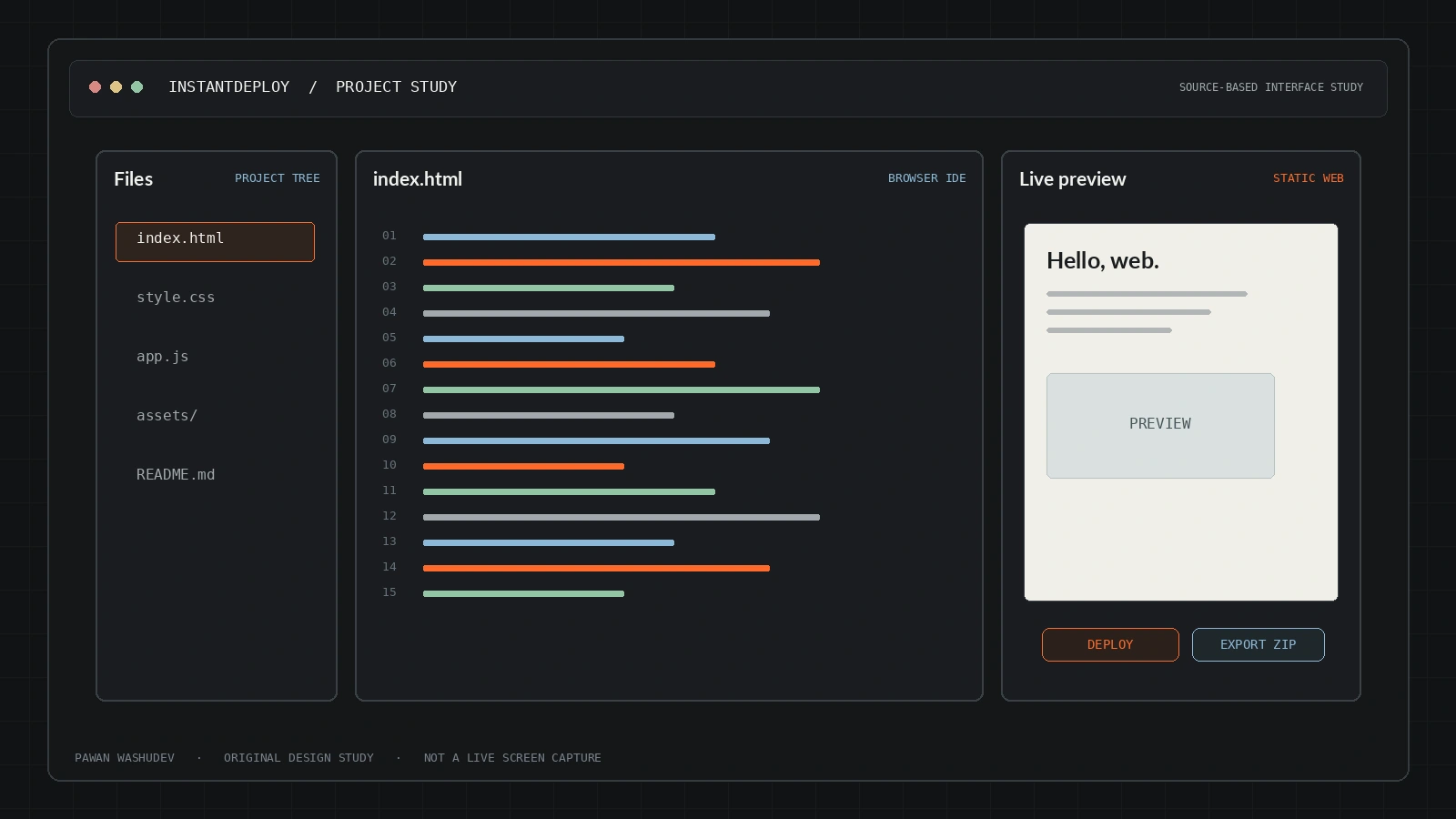
InstantDeploy prototypes that experience in the browser. A Monaco editor works with a virtual file map; users can upload a project, create or edit files, preview the output, export a ZIP, or call provider deployment APIs for Netlify and Vercel. The emphasis is on collapsing setup friction into one screen.
A strong implementation has a bounded audience and context. These are the use cases supported by the current design—not a claim that all of them have been validated at scale.
Developers experimenting with static HTML/CSS/JS bundles, students publishing small demos, and makers who want a quick export or deployment path for a simple project.
An overview of key capabilities and system features.
Create/delete/select files and edit content in Monaco.
File upload and a preview modal help check the project before publication.
JSZip creates a project archive from the virtual file map.
Netlify and Vercel API calls create a project/deployment and return a URL.
The prototype stores personal provider tokens in browser localStorage.
Architecture and system flow overview.
Maintains the project’s virtual file map and binary/text content.
Provider tokens are read/written in localStorage by the prototype.
ZIP download, Netlify Sites/Deploys API, or Vercel deployments API is called from the browser.
A successful provider call returns the deployed URL.
Next.js, React, TypeScript, Monaco Editor, JSZip, Tailwind CSS, Netlify API, Vercel Deployments API.
Engineering choices and design decisions behind the implementation.
Key technical details and system scope considerations.
The next step is not simply adding features. It is increasing reliability, evidence quality, user trust, and clarity about the boundaries of the system.
Move sensitive API calls behind a small backend or use appropriately scoped, short-lived provider tokens.
Add explicit permission/scope information before saving or using a provider token.
Test deployment failure cases, cleanup of partially created projects, and returned URL verification.
Restore a working live demo or label the project as an experiment.
Project repositories and resource links.