PRIMARY AUDIENCE
People scheduling architecture reviews, strategy consultations, deep dives, codebase audits, or other structured sessions with Neubofy.
A controlled booking workflow with calendar availability, meeting links, and reminders.
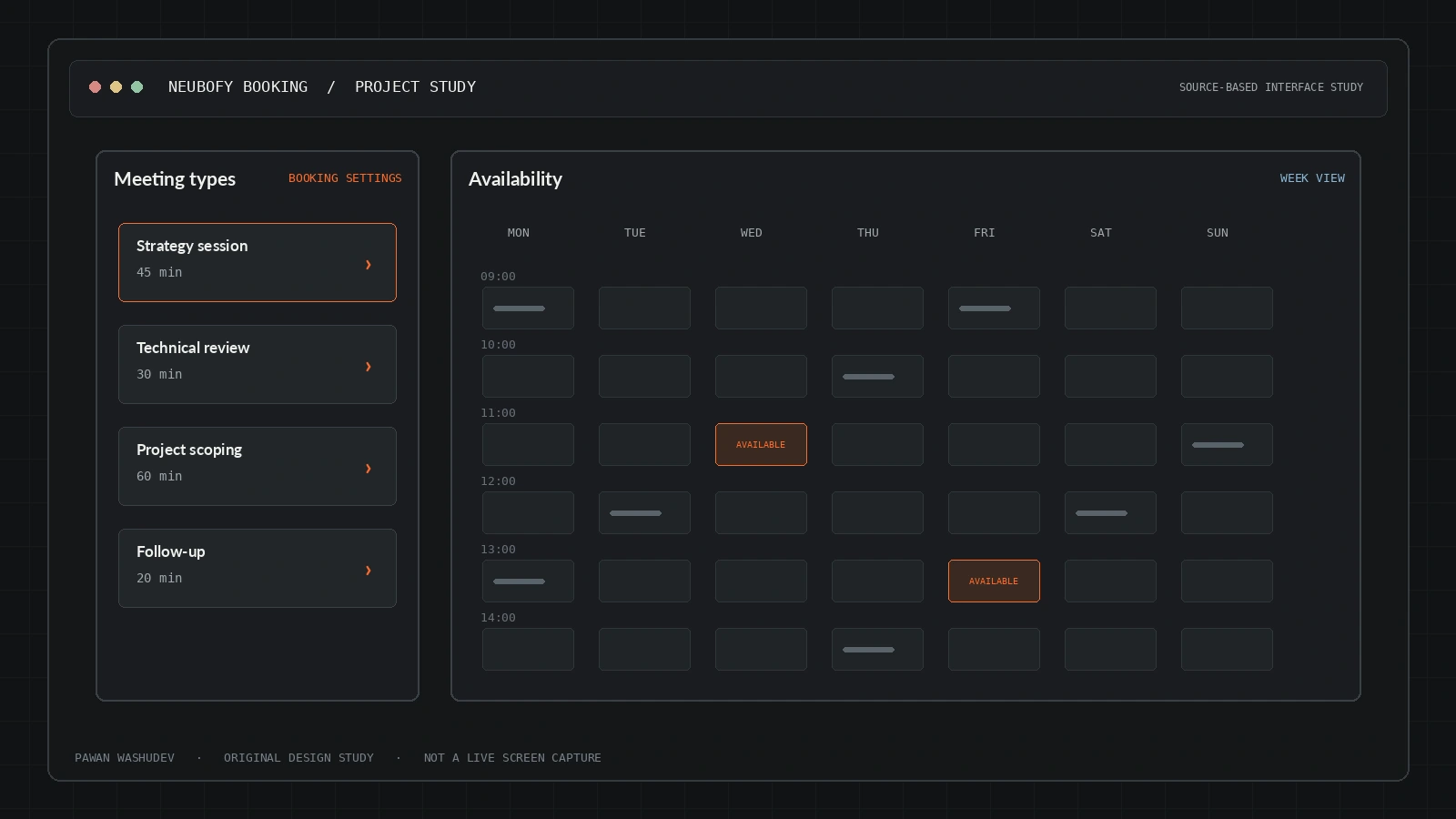
The most useful way to understand this project is to start with the friction behind it, then examine the system choices made to address that friction.
Booking a technical consultation is more than picking a date. Availability must not conflict with calendars, meeting links must be created, the right service and duration must be chosen, and both sides need confirmation and reminders. Off-the-shelf scheduling can also impose feature or branding constraints.
I built a focused booking system around the real consultation flow: choose a service, expert and duration; select an available slot in the right time zone; provide relevant context; and confirm the session. Calendar and meeting-provider integrations are optional, so the architecture can serve different teams without hard-coding a single calendar vendor.
A strong implementation has a bounded audience and context. These are the use cases supported by the current design—not a claim that all of them have been validated at scale.
People scheduling architecture reviews, strategy consultations, deep dives, codebase audits, or other structured sessions with Neubofy.
An overview of key capabilities and system features.
Different session types can describe different consultation scopes and lengths.
Calendar-linked availability is checked before a slot is offered.
The booking wizard gathers contact information, goal, reason, expectations, and notes.
The UI includes Google/email client sign-in and account workflows.
Confirmation, cancellation, and scheduled reminders are supported by the documented architecture.
Dashboard routes support organization, calendar integrations, profile, event types, clients, coupons, analytics, and email templates.
Architecture and system flow overview.
The visitor selects service, duration, expert, date, time, and submits intake details.
Server routes validate availability, calendar connections, client identity, and anti-bot state.
Cloudflare D1 is the documented database, with Cloudflare KV and application configuration also used.
Google / Outlook create event links, while configured email and reminder workers deliver confirmations and reminders.
SvelteKit 2, Svelte 5, TypeScript, Cloudflare Pages/Workers, D1, KV, Firebase client auth, Google Calendar API, optional Microsoft Graph/Outlook, Resend, Cloudflare Turnstile, GitHub Actions.
Engineering choices and design decisions behind the implementation.
Key technical details and system scope considerations.
The next step is not simply adding features. It is increasing reliability, evidence quality, user trust, and clarity about the boundaries of the system.
Confirm the CRON_SECRET exists in production and restrict reminder-trigger endpoints.
Add end-to-end tests for double-booking, time zones, cancellations, and provider failures.
Provide concise retention and cancellation policies beside the booking form.
Project repositories and resource links.