PRIMARY AUDIENCE
People preparing profile images, passport-style photos, social media content, simple product images, and lightweight graphics where the browser workflow is sufficient and source-file control is important.
A single-page photo workspace for quick edits, output sizing, and file-size control.
The most useful way to understand this project is to start with the friction behind it, then examine the system choices made to address that friction.
Quick image tasks often require switching between multiple tools just to crop, tune, resize, remove a background, compress an image, and export in a format that matches a platform or document requirement. For occasional tasks, the setup overhead can be larger than the edit itself.
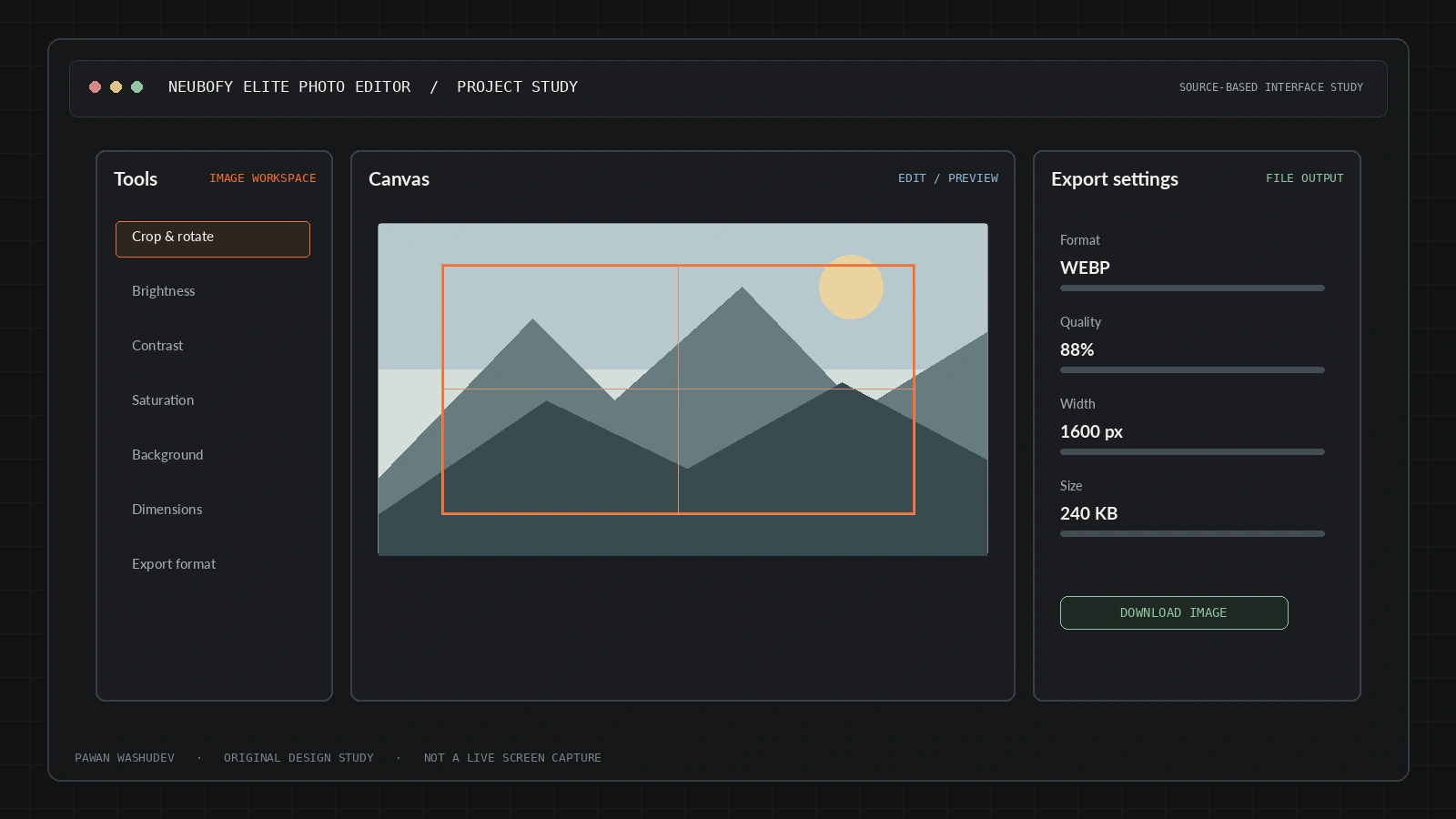
The project puts common image-editing operations into one browser-facing workspace. A loaded image can be adjusted, transformed, cropped, resized to presets such as passport or social dimensions, compressed, and exported to different formats. MediaPipe Selfie Segmentation and Cropper.js are loaded from CDNs for specialist operations.
A strong implementation has a bounded audience and context. These are the use cases supported by the current design—not a claim that all of them have been validated at scale.
People preparing profile images, passport-style photos, social media content, simple product images, and lightweight graphics where the browser workflow is sufficient and source-file control is important.
An overview of key capabilities and system features.
Brightness, contrast, saturation, blur, hue, sepia, and invert controls are present in the interface.
Rotate, flip, undo/redo, and Cropper.js-based cropping.
Passport, Instagram, HD, and Full HD output presets plus a custom aspect lock.
Quality/compression controls and JPG, PNG, WebP, ICO, and BMP output options.
MediaPipe Selfie Segmentation library is loaded for background work.
The UI references ImgBB and Cloudinary image-host options; uploaded images leave the browser to the chosen provider.
Architecture and system flow overview.
A local image or supported image input is loaded into the browser.
Filter controls, transforms, crop, and dimension logic update the working image.
Optional MediaPipe segmentation and export encoding prepare the output.
The user downloads the result or sends it to a configured image-host provider.
HTML, CSS, JavaScript, Tailwind CDN, MediaPipe Selfie Segmentation, Cropper.js, browser image processing and canvas-like export path.
Engineering choices and design decisions behind the implementation.
Key technical details and system scope considerations.
The next step is not simply adding features. It is increasing reliability, evidence quality, user trust, and clarity about the boundaries of the system.
Add explicit per-operation privacy labels and show when images are about to leave the browser.
Provide a CDN/offline fallback strategy and test large-image memory use on low-end devices.
Add a licensing decision and a production deployment check.
Project repositories and resource links.