PRIMARY AUDIENCE
People who want structured focus sessions, app-distraction controls, routines, evening reflection, calendar planning, wake-up challenges, and a way to understand personal patterns without making the product a social platform.
A personal operating layer for focus, routine, reflection, and more intentional device use.
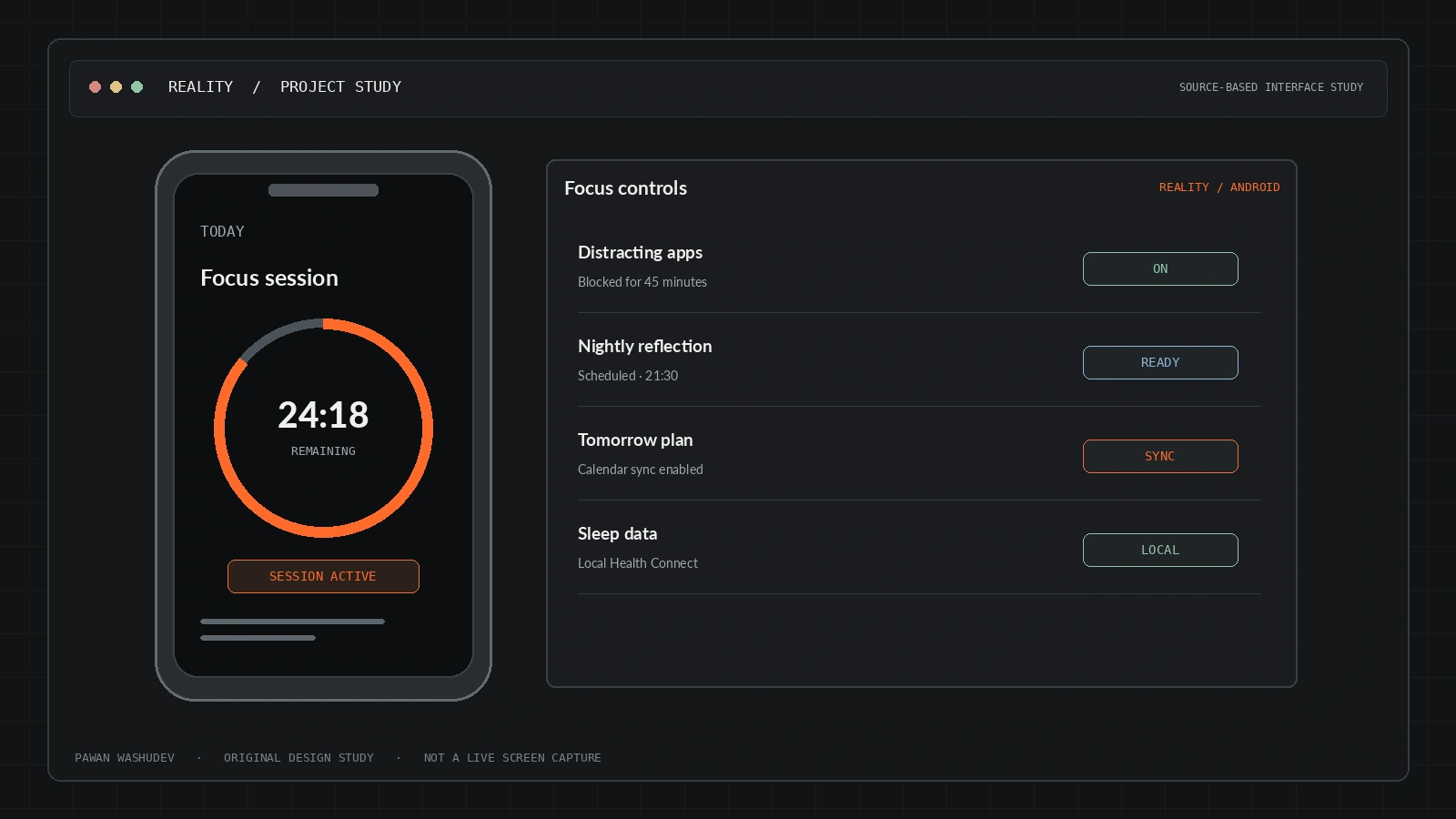
The most useful way to understand this project is to start with the friction behind it, then examine the system choices made to address that friction.
Digital wellness apps often track behavior without helping users change the conditions around it; simple timers can be easy to bypass, while productivity systems can fragment focus, sleep, habits, health signals, and calendar planning into separate products. The product concept is to make focus and routine an integrated part of how the Android device behaves.
I designed Reality around a stronger boundary than a standard to-do list: focus tools, app-blocking rules, bedtime awareness, reflections, and wake-up routines operate close to the Android device itself. The app emphasizes local-first personal records and gives users control over optional integrations. AI is an assistant path, not a reason to upload every habit or journal by default.
A strong implementation has a bounded audience and context. These are the use cases supported by the current design—not a claim that all of them have been validated at scale.
People who want structured focus sessions, app-distraction controls, routines, evening reflection, calendar planning, wake-up challenges, and a way to understand personal patterns without making the product a social platform.
An overview of key capabilities and system features.
A strict focus experience, plus a companion web timer, aims to make session completion more deliberate.
Accessibility-service based app-window monitoring and time cooldown mechanisms are documented.
WorkManager-driven evening reflection and next-day scheduling flow.
Health Connect APIs are used for selected sleep, activity, and health-related insights when permissions are enabled.
A wake-up flow uses math challenges and controls designed to reduce easy dismissal.
The app documents MCP-style tool registrations for tasks, calendar blocks, and app-block configurations.
The README describes direct sync through user-controlled Google Cloud OAuth credentials.
Architecture and system flow overview.
Native Kotlin screens request permissions only when their corresponding features are enabled.
Room / local preferences keep habits, journal, and routine information on the device by default.
Accessibility, alarms, WorkManager, and Health Connect connect routines with Android capabilities.
Google Workspace sync uses user-owned OAuth setup; AI prompts may pass through Cloudflare/model infrastructure.
Kotlin, Android SDK, Room, encrypted preferences, WorkManager, Accessibility Services, Health Connect, Google Workspace APIs via BYOC, Cloudflare Workers/Workers AI for assistant calls.
Engineering choices and design decisions behind the implementation.
Key technical details and system scope considerations.
The next step is not simply adding features. It is increasing reliability, evidence quality, user trust, and clarity about the boundaries of the system.
Add a tested Android version/device compatibility matrix.
Document exactly what context is sent to the remote AI model and let users disable it.
Publish benchmarks for app launch, battery usage, and focus-session reliability before making performance claims.
Reconcile the public download counter with the GitHub release artifact counter.
Project repositories and resource links.