PRIMARY AUDIENCE
Android users who manage several personal or work storage locations, maintain cloud backups, or need a mobile interface to providers such as Google Drive, OneDrive, Dropbox, S3, WebDAV, SFTP, and Nextcloud.
A native Android interface for moving and synchronizing files across many cloud backends.
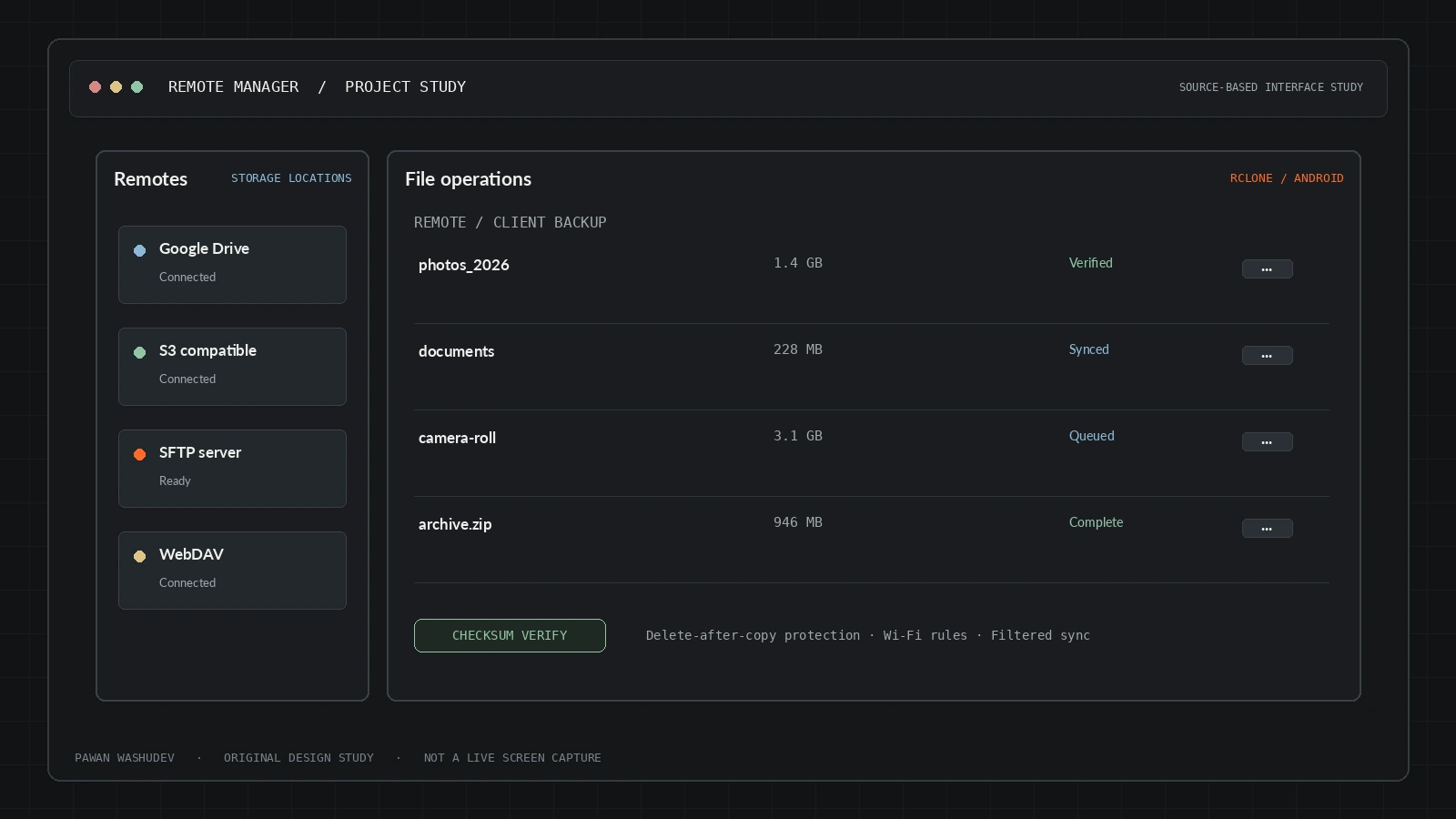
The most useful way to understand this project is to start with the friction behind it, then examine the system choices made to address that friction.
People often have files spread across several clouds, SFTP endpoints, and local storage. Doing reliable moves and sync in separate apps can mean repeated context switching, duplicate files, and risk when a file is deleted before its copy has been verified. On mobile, cloud-file tools also need to manage memory, background restrictions, and provider-specific behavior.
Remote Manager wraps the mature Rclone ecosystem in a native Android workflow. Instead of reimplementing dozens of cloud protocols independently, the app uses an Rclone-backed engine and focuses product effort on browsing, move safety, filtering, preview caching, background sync, and approachable controls.
A strong implementation has a bounded audience and context. These are the use cases supported by the current design—not a claim that all of them have been validated at scale.
Android users who manage several personal or work storage locations, maintain cloud backups, or need a mobile interface to providers such as Google Drive, OneDrive, Dropbox, S3, WebDAV, SFTP, and Nextcloud.
An overview of key capabilities and system features.
Browse, upload, download, move, rename, and delete across supported remotes.
A move operation includes verification safeguards before deleting the original.
Configurable triggers, filters, checksums, and Wi-Fi constraints for recurring work.
Disk-backed caching aims to make image browsing lighter on mobile.
Supports Rclone Crypt remotes for client-side encryption.
Includes a 64-bit ARM engine and release-check/update flow.
Architecture and system flow overview.
Kotlin app manages the remote list, file browser, task UI, previews, and user interaction.
Bundled native ARM64 / Go engine speaks provider-specific protocols.
User credentials configure cloud drives, object storage, WebDAV, SFTP, and other remotes.
Move verification, sync filters, checksum checks, and optional crypt remotes govern file operations.
Kotlin, Android, Rclone, Go 1.24+, native arm64-v8a binaries, Android SDK / NDK, background sync and local thumbnail caching.
Engineering choices and design decisions behind the implementation.
Key technical details and system scope considerations.
The next step is not simply adding features. It is increasing reliability, evidence quality, user trust, and clarity about the boundaries of the system.
Create a provider compatibility matrix and report which operations were tested per provider.
Publish transfer retry, checksum, duplicate, and partial-failure behavior.
Add a clear warning before destructive deletes and a dry-run option for advanced sync tasks.
Project repositories and resource links.