PRIMARY AUDIENCE
Parents researching The Green Valley International School, prospective students, existing families, and school staff directing visitors to official information.
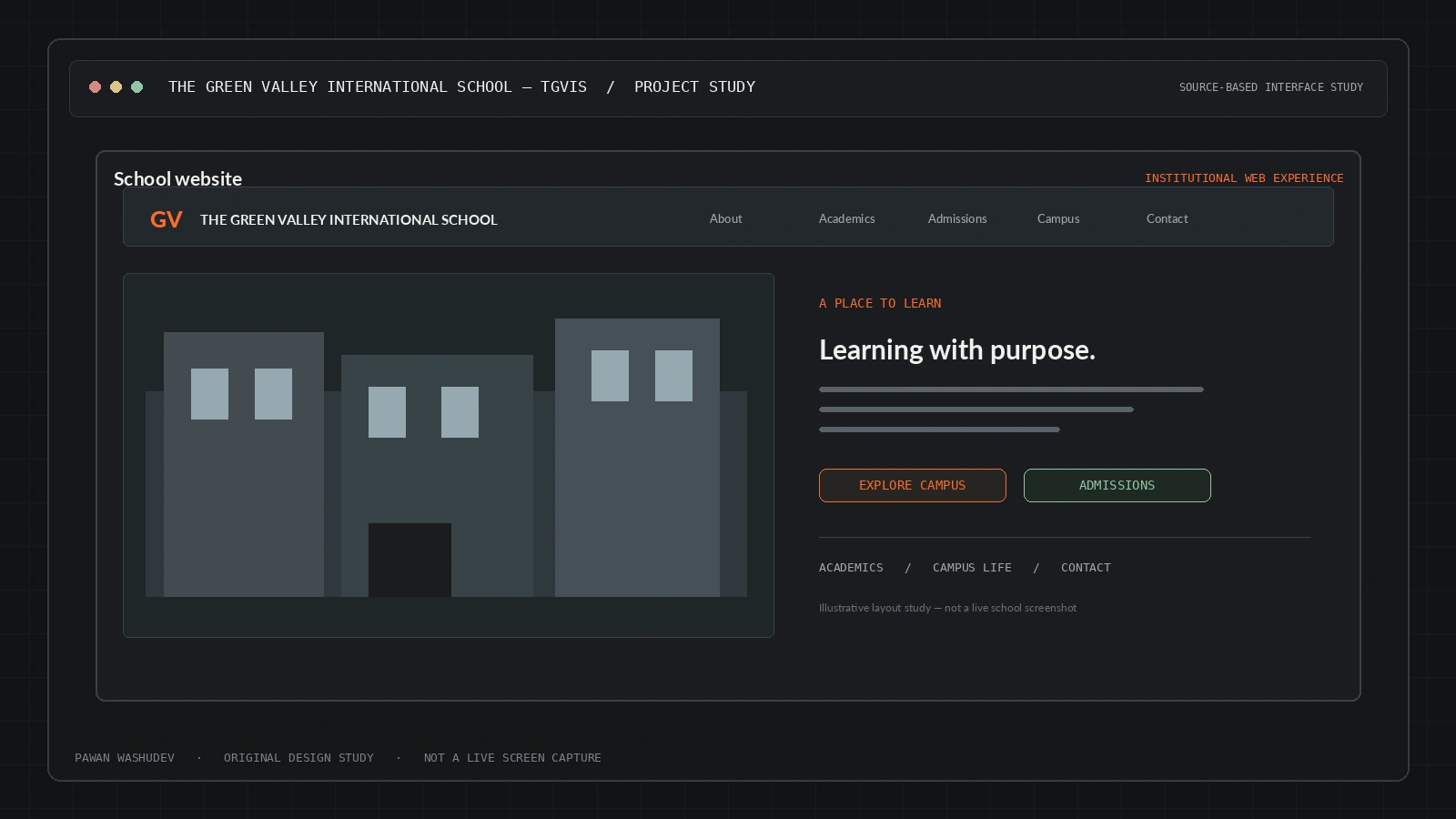
A school website built to make campus identity, admissions information, and school life easier to explore.
The most useful way to understand this project is to start with the friction behind it, then examine the system choices made to address that friction.
A school website has to serve multiple audiences at once: parents want trustworthy information and admissions details, students want a sense of campus life, and faculty need clear institutional contact paths. A thin brochure page may contain the facts but fail to communicate the school’s environment or feel credible on a modern phone.
TGVIS uses a strong editorial hierarchy, immersive transitions, a campus gallery, and admissions-focused sections to turn institutional information into a guided experience. The engineering challenge was to create a visually expressive site without discarding responsiveness, navigation, or crawlable page structure.
A strong implementation has a bounded audience and context. These are the use cases supported by the current design—not a claim that all of them have been validated at scale.
Parents researching The Green Valley International School, prospective students, existing families, and school staff directing visitors to official information.
An overview of key capabilities and system features.
Institutional identity and core details in a prominent hero and About section.
Responsive image presentation to make the environment discoverable.
Calls to action guide users toward admission-related content.
Framer Motion provides scroll-linked and tilt-style effects.
Next.js App Router and Tailwind CSS support a modern responsive application.
Architecture and system flow overview.
Visitor arrives from search, direct link, or a school communication.
App Router renders the site’s pages and layout.
Hero, school information, gallery, admission, and contact sections compose the experience.
Visible enquiry/contact routes lead visitors toward the institution; the full downstream CRM process was not independently verified.
Next.js 15, React, App Router, Tailwind CSS v4, Framer Motion, Lucide React, Geist font family.
Engineering choices and design decisions behind the implementation.
Key technical details and system scope considerations.
The next step is not simply adding features. It is increasing reliability, evidence quality, user trust, and clarity about the boundaries of the system.
Add ownership-approved photography, privacy notices, and current academic/session details.
Measure performance and enquiry conversions using privacy-respecting analytics agreed with the school.
Run accessibility and low-bandwidth mobile tests because many parents will arrive on phones.
Project repositories and resource links.